Small Business Cyber Incident Response Checklist
A practical checklist for small business owners to contain a cyber incident, decide who does what, preserve evidence, contact the right people and recover safely.
By Thomas Reed · Published 8 October 2026 · Updated 8 October 2026 · 9 min read
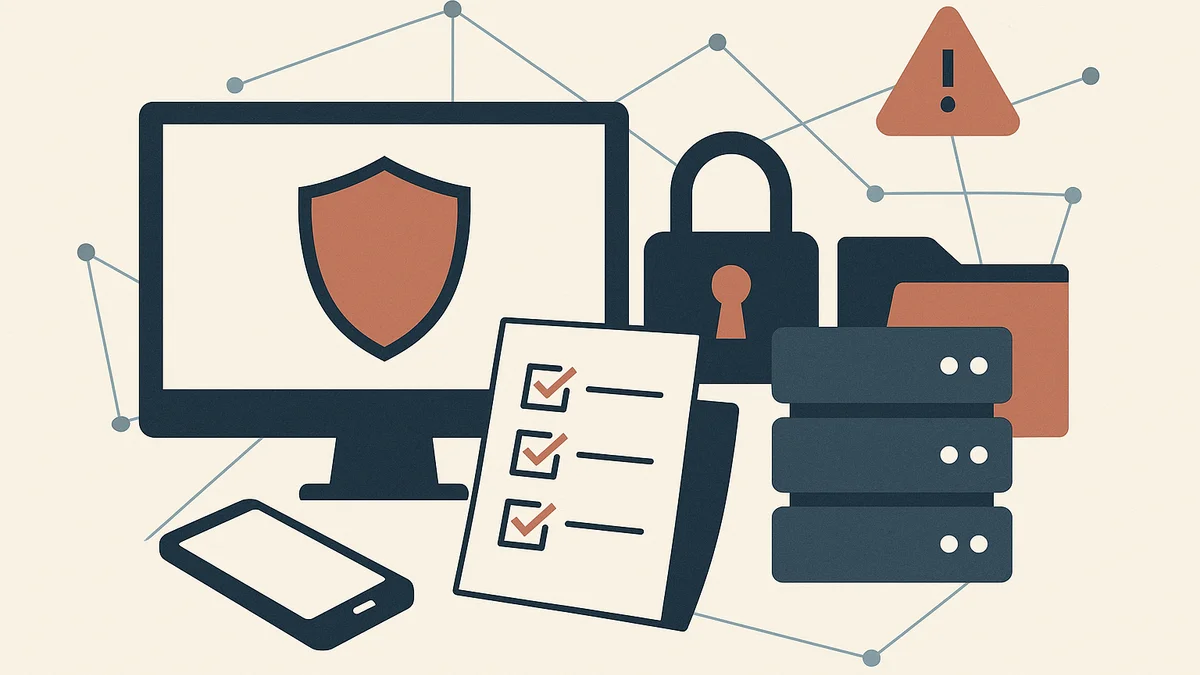
If your business is hit by a cyber incident, the first task is not to solve every technical problem at once. It is to stop the situation getting worse, protect evidence, and make sure the right people are doing the right things in the right order.
This guide is written for small businesses that need a clear response plan, not a security team. It focuses on practical decisions you can make under pressure: what to stop, who to call, what to record and how to recover without creating extra damage.
The ICO says organisations need appropriate technical and organisational measures to protect personal data, restore access and availability in a timely manner after an incident, and test those measures regularly. GOV.UK describes Cyber Essentials as a set of standard technical controls to help protect against common online threats.ICO — A guide to data securityGOV.UK — Cyber Essentials scheme overview
What to do in the first hour after a cyber incident
Identify the incident type, contain access and preserve evidence
Start by working out what you are dealing with. A suspicious login, a locked laptop, a fake invoice and ransomware all need different responses, but the first priorities are similar:
- stop further access if you can do so safely;
- preserve evidence before changing too much;
- find out which systems, accounts or payments may be affected.
If you are not sure whether the incident is active, assume it may still be ongoing until you have checked. Do not rush to wipe devices, delete emails or reset every password in sight. That can destroy evidence and make the investigation harder.
Tell staff what to stop doing immediately
Give clear instructions straight away. A short message is often better than a long explanation.
Example: “Do not open suspicious emails, do not approve payments without verbal confirmation, do not log in to the affected account, and do not restart any device involved until we have checked it.”
Make it specific to the incident. If email is affected, tell staff not to reply to unusual messages from the compromised account. If finance systems are involved, stop payments until you have checked the bank details and approval trail.
Decide who is responsible for each action
Small businesses often lose time because everyone assumes someone else is dealing with it. Assign clear roles quickly, even if the same person is covering more than one job.
- Incident lead: coordinates the response and keeps a timeline.
- IT contact: isolates systems, resets access and checks logs.
- Finance lead: pauses payments, checks bank activity and supplier instructions.
- Owner or director: approves major decisions, external notifications and spending.
If you do not have in-house IT support, use your external provider or managed service supplier, but keep one person internally responsible for decisions.
Build a small business cyber incident response checklist
Containment checklist: passwords, devices, accounts and payments
Containment means limiting the damage while keeping the business running as far as possible. Your checklist should include the basics below.
- Change passwords for affected accounts, starting with admin and finance access.
- Disable or reset any unknown sessions, devices or recovery methods.
- Remove suspicious email forwarding rules and mailbox delegates.
- Lock down shared drives, cloud storage and remote access if they may be exposed.
- Pause payments if invoice fraud, card compromise or payroll diversion is suspected.
- Isolate affected laptops, desktops or servers from the network if malware is possible.
Only reset credentials after you have noted what was compromised. If you change passwords too early, you may lose the chance to see how the attacker got in.
Investigation checklist: logs, affected systems and suspicious activity
Once the incident is contained, gather the facts that will help you understand scope and next steps:
- review login history, email rules and administrator activity;
- note the first sign of the issue and any unusual behaviour beforehand;
- list the systems, files, accounts and people affected;
- save screenshots, alert messages and error codes;
- ask your provider to preserve relevant logs before they roll over or are overwritten.
Keep the investigation practical. You do not need a forensic report for every incident, but you do need enough information to decide whether data was accessed, altered, lost or sent out of the business.
Recovery checklist: restore data, reset access and test key systems
Recovery should be controlled, not rushed. Before bringing systems back online, check the following:
- backups are intact and not encrypted or corrupted;
- the cause of the incident has been addressed;
- admin access has been reset from clean devices;
- key business systems such as email, payments, customer records and file storage are working properly;
- staff know which accounts or devices are safe to use again.
If you restore from a backup, test the data before you rely on it. A backup that exists but cannot be restored cleanly is not much use when you need it.
Who to contact and when
Internal contacts: owner, IT support, finance and key staff
For a small business, the internal contact list should be short and unambiguous. Include:
- the owner, managing director or duty manager;
- your IT support provider or internal technician;
- the finance lead or bookkeeper;
- anyone who controls bank accounts, payroll, customer records or supplier portals;
- staff who need to stop using a compromised system.
Keep out-of-hours details with the checklist. A response plan is only useful if you can reach people when the office is closed.
External contacts: insurer, suppliers, hosting providers and legal support
Your external contact list may include your cyber insurer, accountant, solicitor, internet or hosting provider, email platform, card processor, bank and any managed service supplier. Contact them early if their systems, credentials or commercial decisions are involved.
If the incident affects a hosted system or cloud account, the supplier may be able to preserve logs or help you revoke access more quickly than you can alone. If there is a dispute over responsibility, keep your written record of what happened and when.
When to consider reporting to the police, regulators or customers
Not every incident needs the same type of notification, but you should consider whether the event involves fraud, theft, malicious access or personal data loss. The ICO guidance says the security principle includes protecting personal data against unauthorised or unlawful processing and against accidental loss, destruction or damage.
You may need to report to customers, regulators or law enforcement depending on the nature of the incident, your sector and whether personal data or financial crime is involved. If you are unsure, take advice quickly rather than waiting until the position worsens.
How to handle common incident types
Phishing or email account compromise
If someone has clicked a malicious link or an email account has been taken over:
- change the password and revoke active sessions;
- check for forwarding rules, inbox rules and added recovery addresses;
- warn staff and customers if fake messages may already have been sent;
- review whether the account was used to access other services through single sign-on.
Example: If a supplier mailbox is compromised, invoice emails may be altered before they reach you. Confirm bank details through a separate trusted channel before paying anything unusual.
Ransomware or locked files
Ransomware can spread quickly, so isolate affected machines immediately. Disconnect them from Wi-Fi and network cables if needed, but do not switch off every device automatically unless your IT provider tells you to do so. Preserve evidence, check which backups are clean, and identify whether the attack reached shared drives or cloud storage.
Do not assume that paying a ransom will solve the problem. Focus first on containment, recovery options and what data may have been exposed.
Lost device or stolen laptop
A missing device is both a security and record-keeping issue. Check whether it had access to email, cloud storage, saved passwords, customer files or payment apps. If possible, remotely lock or wipe the device, then change the relevant passwords and revoke access tokens.
If the device was encrypted and managed properly, the risk may be lower. Still document the facts, including when it was last seen and what was on it.
Fraudulent payment or invoice redirection
If money may have been sent to the wrong account, act immediately. Contact your bank, preserve the payment instructions and compare the fraudulent message with the genuine supplier process. Check whether the compromise started in email, on a supplier portal or through a phishing message.
For payment incidents, finance and IT should work together. One team can trace the fraud trail while the other secures access and checks whether further payments are at risk.
Evidence, records and decisions to document
What happened, when it started and what systems were affected
Keep a simple incident log. Start with:
- the first sign of the incident;
- when it was discovered;
- which users, devices, accounts or systems were involved;
- what data may have been affected.
This does not need to be technical. Clear notes are often more useful than a patchwork of messages and verbal recollections later.
Actions taken, by whom and in what order
Record who made each decision and when they made it. Include password resets, account suspensions, contact with providers, payment stops, device isolation and any instructions given to staff.
If you later need to explain why a particular step was taken, a simple timeline will help. It also reduces confusion if more than one person is involved.
Costs, downtime and follow-up steps
Log the business impact as you go: time lost, cancelled work, recovery costs, supplier charges, overtime and any lost trading. Also note the follow-up actions still open, such as backups to review, accounts to rebuild, staff training to arrange or policy changes to make.
Common mistakes that make recovery harder
Reusing compromised passwords too soon
If an attacker has seen or stolen a password, do not reuse it anywhere else. That includes similar variants and passwords shared across personal and business services.
Wiping devices before capturing evidence
Factory resets can remove malware, but they can also remove useful information. Capture what you can first, especially if you need to understand how the incident started or whether evidence should be passed to an external party.
Restarting systems before checking backup integrity
Bringing systems back too quickly can reintroduce bad data or reinfect clean machines. Check the backup source, the restore point and the system status before declaring the problem solved.
A simple incident response template you can adapt
One-page checklist for the first 24 hours
- Identify the incident type.
- Isolate affected systems or accounts.
- Tell staff what to stop doing.
- Assign an incident lead and supporting roles.
- Preserve evidence and note timestamps.
- Contact IT support, insurer and key suppliers if relevant.
- Check whether payments, email or backups are affected.
- Decide whether to notify customers, regulators or the police.
- Plan recovery steps and test them before restoring service.
7-day follow-up actions and prevention fixes
- Review how the incident happened.
- Close the access route that was used.
- Reset any remaining credentials and admin rights.
- Check backup procedures and restore tests.
- Improve email filtering, payment checks or device controls where needed.
- Brief staff on the lesson that matters most.
- Update the checklist and contact list.
Next steps: turn the checklist into a live plan
A checklist helps most when it is easy to reach, short enough to use under pressure and specific to your business. Put your final version somewhere staff can find quickly, then test it with a simple scenario such as a hacked email account or a fake supplier payment request.
If you need a starting point for business continuity and records, you may also want to adapt your internal onboarding and document-keeping processes alongside this plan. If you are building out your wider operations, see First employee checklist for UK small businesses for a practical approach to assigning responsibilities and keeping essential records.
Action list: name an incident lead, write down your first-hour steps, save your external contacts, and test the checklist once before you need it for real.
Related articles

What Documents Do I Need to Buy a Business in the UK?
Before you buy a business in the UK, the documents matter more than the seller’s pitch. This guide explains which records to ask for first, what they show, and how the list changes for share purchases and asset deals.
10 October 2026 · 11 min read
How to Trace the Number 590637 in Your Business Records
If 590637 has appeared on an email, invoice, receipt or dashboard, this guide shows you how to work out what it is, where to look next and how to use it safely when you contact support.
9 October 2026 · 10 min read
First employee checklist for UK small businesses
A practical, layout-friendly checklist for UK small businesses preparing to hire their first employee, covering structure, records, payroll, pensions and what to verify with official guidance.
29 September 2026 · 6 min read